





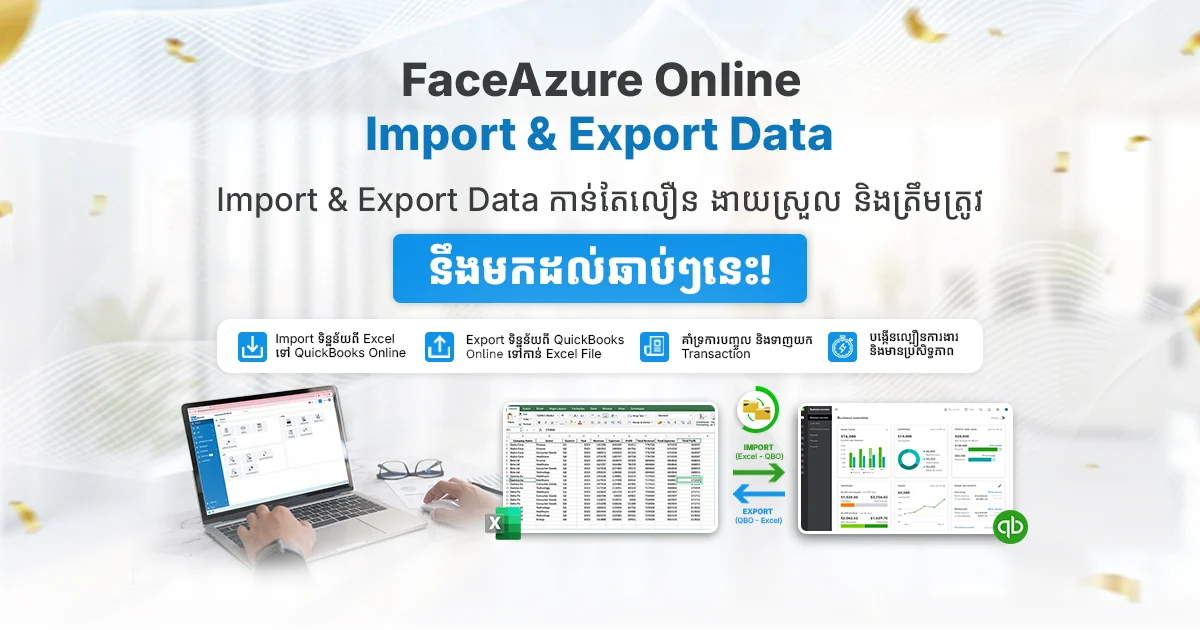
Many businesses in Cambodia still spend too much time moving accounting data manually between Excel and their accounting system. As transaction volume grows, that process becomes slower, harder to control, and more exposed to human error.
That is why the upcoming FaceAzure Online Import & Export Data feature is important. Designed for QuickBooks Online Cambodia users, this new capability is being developed to help businesses transfer data more efficiently between Excel and QuickBooks Online, reduce repetitive manual work, and improve day-to-day workflow accuracy.
In this article, you will learn what FaceAzure Online Import & Export Data is expected to do, why it matters for Cambodian businesses, and how it could help finance teams work faster and more effectively once released.
What Is FaceAzure Online Import & Export Data?
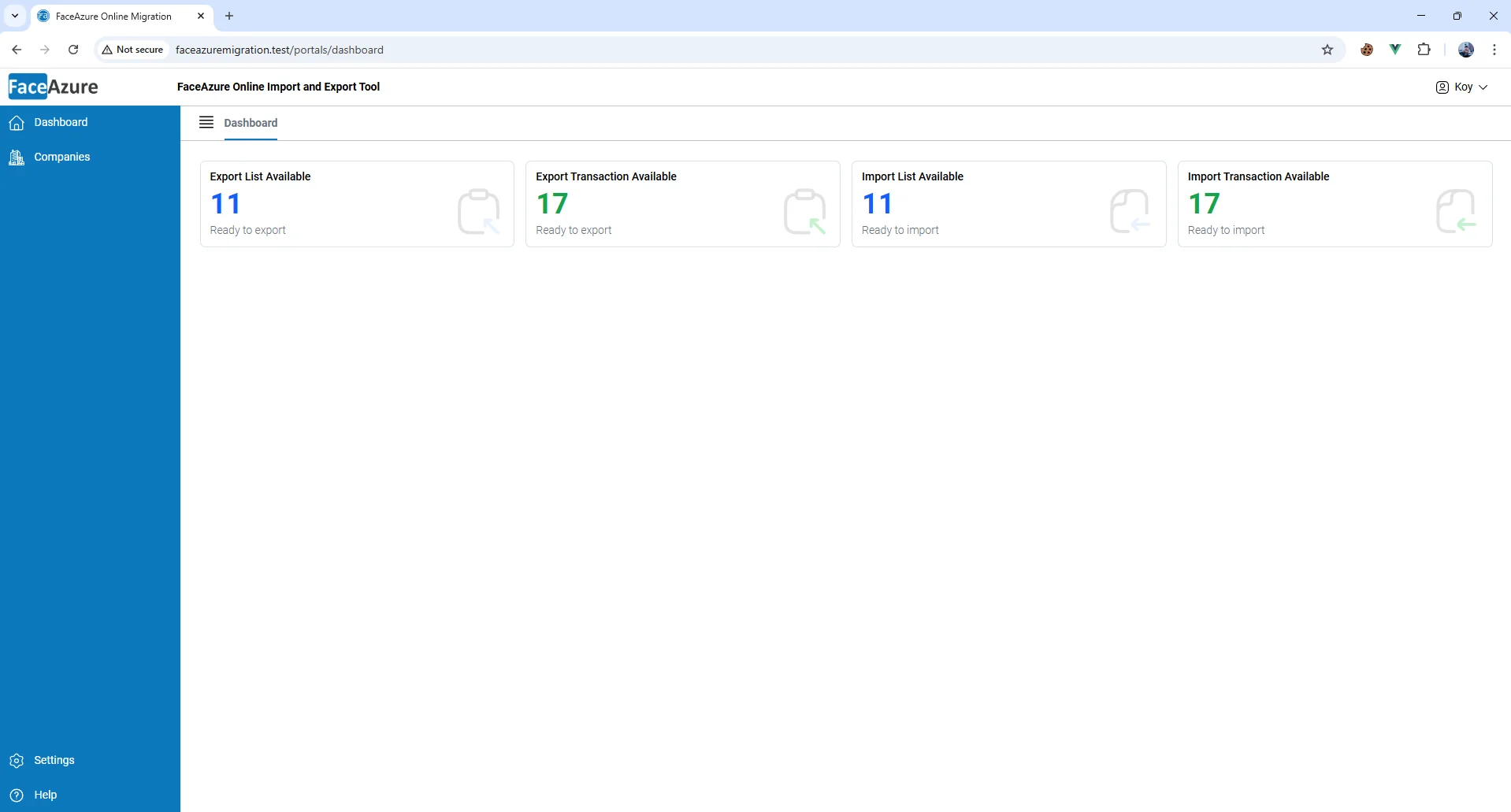
FaceAzure Online Import & Export Data Dashboard Overview
FaceAzure Online Import & Export Data is an upcoming feature designed to help QuickBooks Online Cambodia users manage accounting data more efficiently between Excel and QuickBooks Online.
Once released, the feature is expected to support a more practical workflow for businesses that regularly work with spreadsheets, transaction batches, and reporting data. Instead of depending heavily on repeated manual entry, users will be able to handle data movement in a more efficient and controlled way.
According to the current feature overview, the main expected capabilities include:
- Import data from Excel into QuickBooks Online more quickly and accurately
- Export data from QuickBooks Online to Excel based on business needs
- Support bulk import and export of multiple transactions at the same time
- Create a smoother workflow between Excel and QuickBooks Online
- Reduce manual work and human error
- Improve work speed and team productivity
- Make large volumes of data easier to manage and monitor
- Support more accurate and timely financial reporting
Businesses that already follow FaceAzure features and product updates may find this upcoming enhancement especially relevant if their teams rely heavily on Excel-based preparation and QuickBooks Online processing.
Why This Upcoming Feature Matters for Cambodian Businesses
For many SMEs, NGOs, and growing companies in Cambodia, Excel is still part of daily finance and reporting work. Teams often prepare data in spreadsheets first, then move it into QuickBooks Online manually. That may work for a while, but it becomes inefficient as transaction volume increases.
The upcoming FaceAzure Online Import & Export Data feature matters because it is intended to address a common operational gap: too much time spent transferring, checking, and reworking data between systems.
Once available, this feature could help businesses:
- Process accounting data faster
- Reduce the risk of data-entry mistakes
- Improve internal workflow efficiency
- Handle bulk transactions more confidently
- Strengthen reporting readiness and accuracy
This is especially relevant in Cambodia, where many businesses are still balancing spreadsheet-based habits with the need for stronger digital processes. A feature like this can support more scalable finance operations without forcing teams to work harder just to keep data organized.
Expected Use Cases for FaceAzure Online Import & Export Data
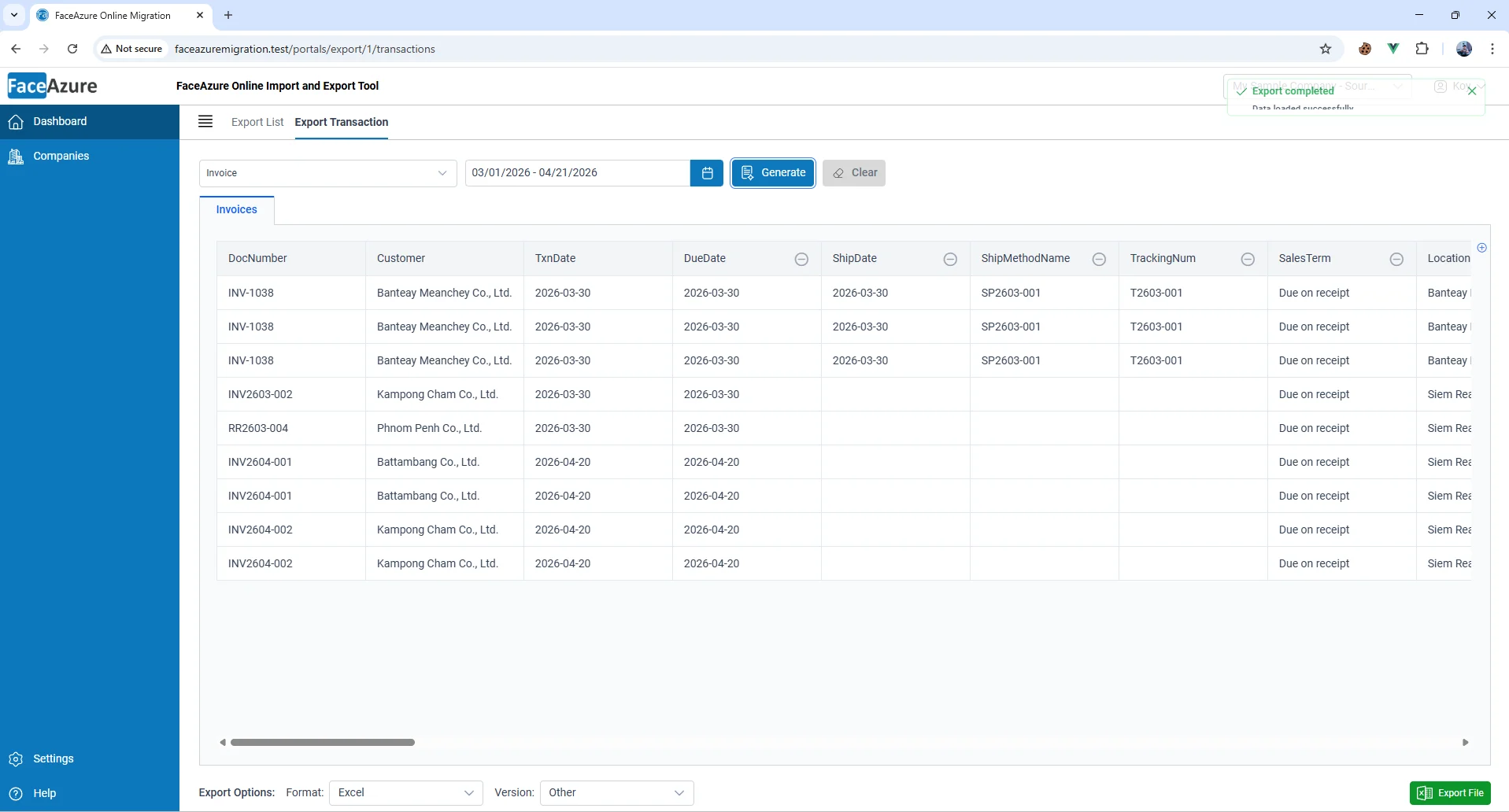
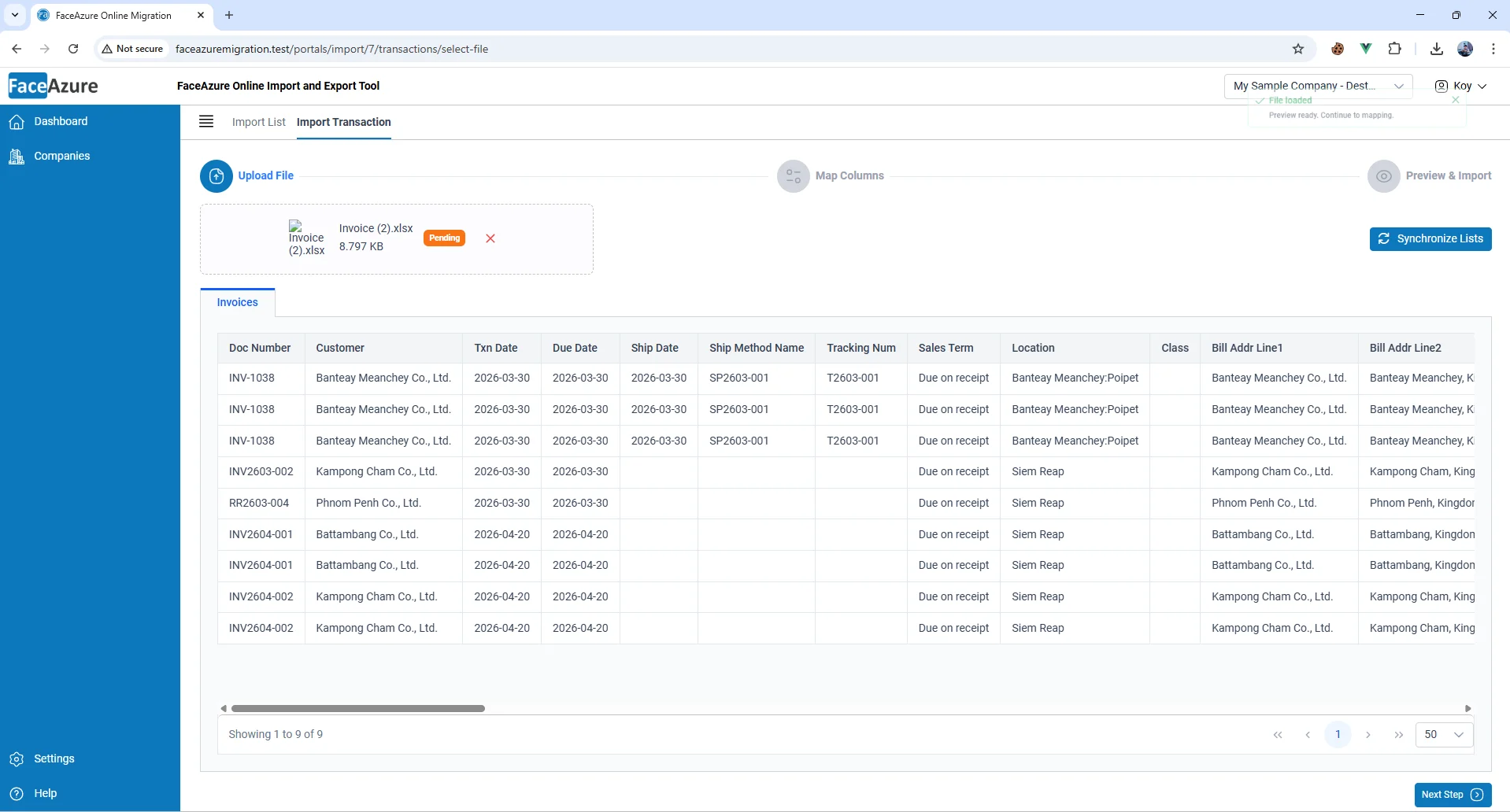
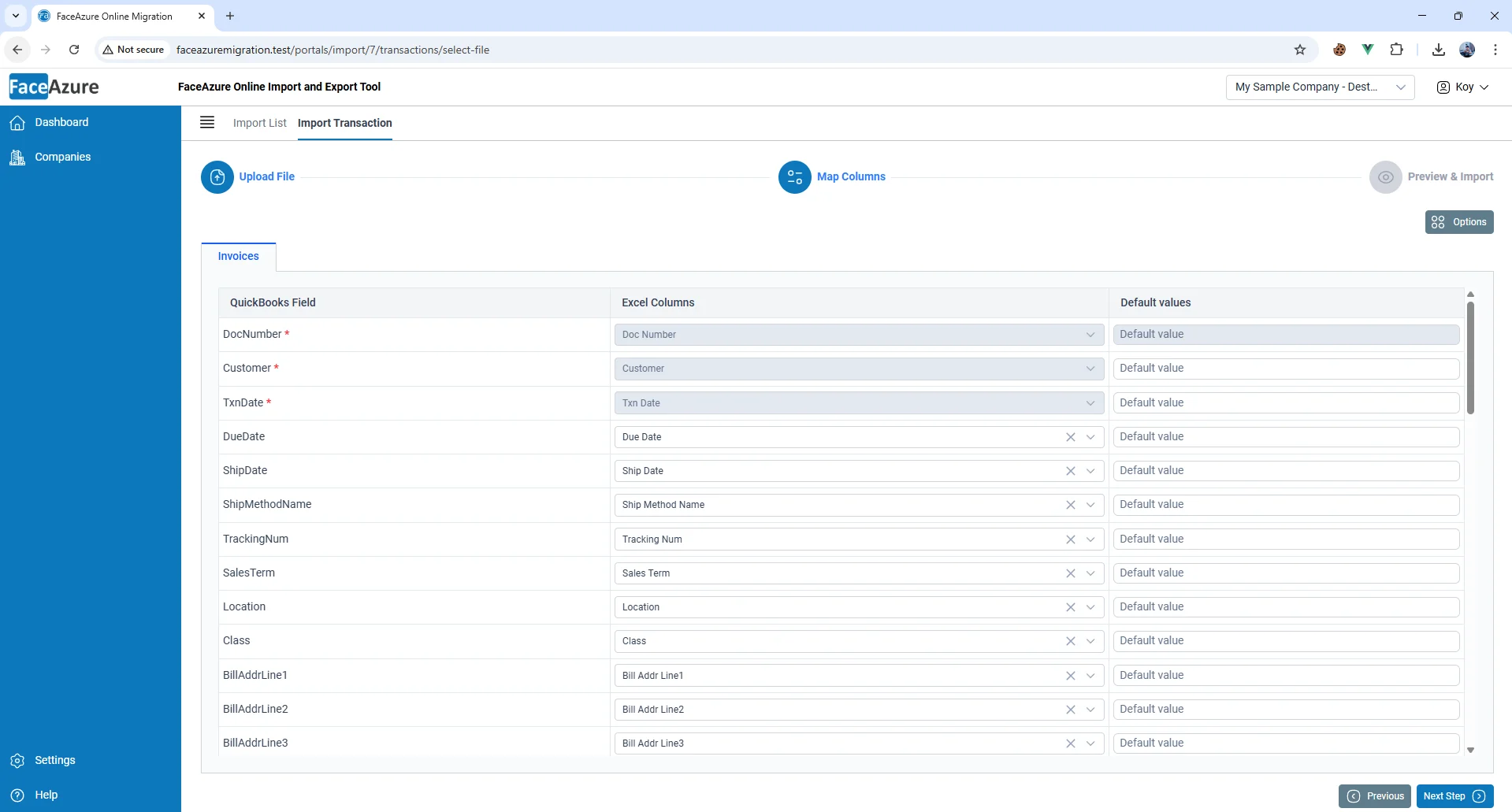
This upcoming feature is expected to be highly useful for businesses that manage recurring, high-volume, or spreadsheet-driven accounting activity.
Potential use cases include:
- SMEs processing regular sales, purchases, and expense records
- NGOs preparing structured financial data and recurring reports
- Retail and distribution businesses handling large numbers of transactions
- Service businesses using Excel as part of their internal workflow
- Finance teams that need cleaner month-end data preparation
For example, a business may prepare validated transaction data in Excel and want a faster way to move that information into QuickBooks Online Cambodia. In other cases, a team may need to pull data from QuickBooks Online into Excel for analysis, review, reconciliation, or custom reporting.
Businesses interested in broader workflow and compliance improvement may also find CAS-BIZ’s related article on FaceAzure Online and QuickBooks tax compliance relevant for additional context.
FaceAzure Online Import & Export Data and QuickBooks Online: A Stronger Workflow Setup
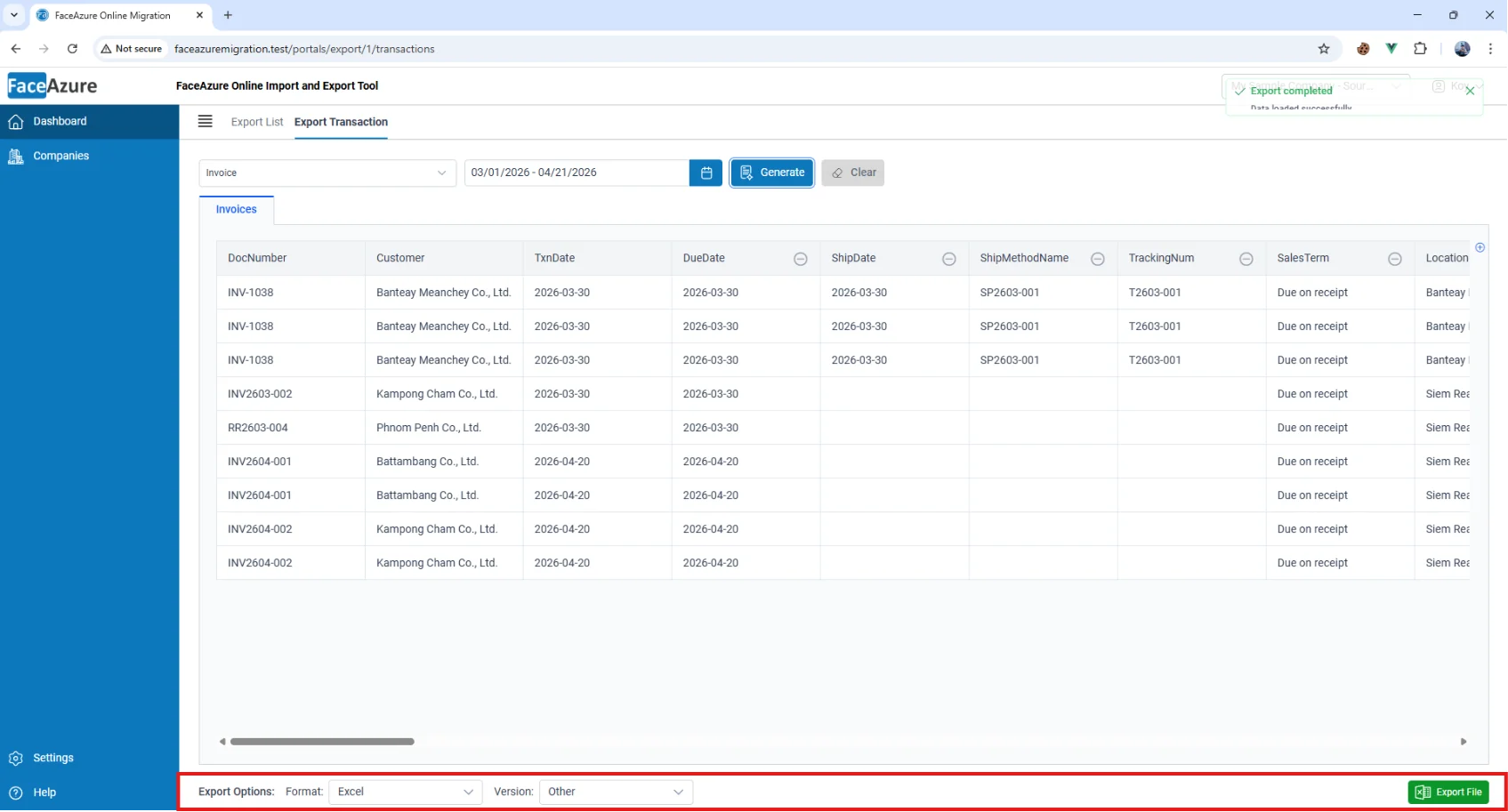
Export Settings Configuration Screen
The upcoming FaceAzure Online Import & Export Data feature has the potential to strengthen how businesses use QuickBooks Online Cambodia in real working environments.
QuickBooks Online already supports cloud accounting and day-to-day financial management. FaceAzure adds more localized workflow value around accounting operations and business process support. With this new data import and export feature planned as an extension, businesses could gain a more practical way to move information between Excel and QuickBooks Online with less friction.
That combination can be particularly valuable for teams that need both flexibility and control, especially when data volumes increase or reporting deadlines become tighter.
The upcoming FaceAzure Online Import & Export Data feature is shaping up to be a practical enhancement for businesses that want to reduce manual work, improve data accuracy, and create a smoother connection between Excel and QuickBooks Online Cambodia.
For Cambodian SMEs, NGOs, and growing companies, this matters because spreadsheet-heavy accounting workflows often become inefficient over time. A feature designed to support faster import, export, and bulk transaction handling could help finance teams work more efficiently and prepare reports with better confidence.
If your business is currently spending too much time on manual data transfer between Excel and QuickBooks Online, now is a good time to speak with CAS-BIZ Technology and explore how this upcoming feature may fit your workflow once launched.