





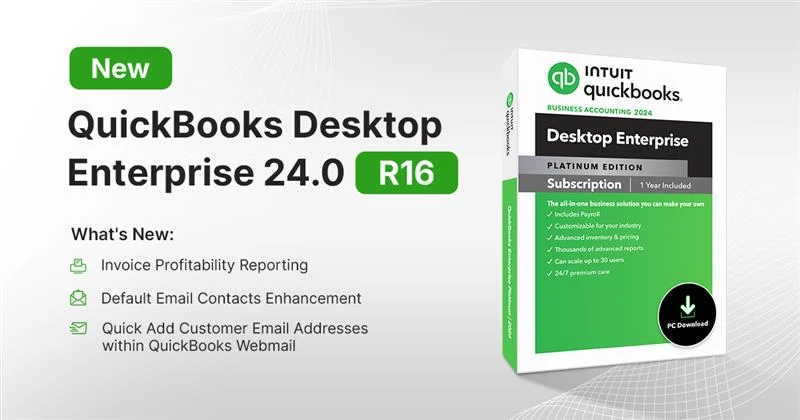
QuickBooks Desktop Enterprise 24.0 R16 delivers time‑saving features, smarter email workflows, and stronger security to help finance teams work faster with better visibility into profitability. This release introduces the Invoice Profitability report, improved default email contacts, quick email address selection, and background updates as part of Intuit’s ongoing release cycle. Upgrades to 24.0 R16 are included with Enterprise subscriptions at no additional cost and are strongly recommended to access the latest enhancements and security updates.
What’s New in QuickBooks Desktop Enterprise 24.0 R16
Invoice Profitability Reporting: Assess profit at the invoice level, including unbilled inventory and job costs, to quickly spot top and bottom performers.

Default email contacts: Set and automatically populate recipient contacts per transaction type to reduce manual selection and errors.
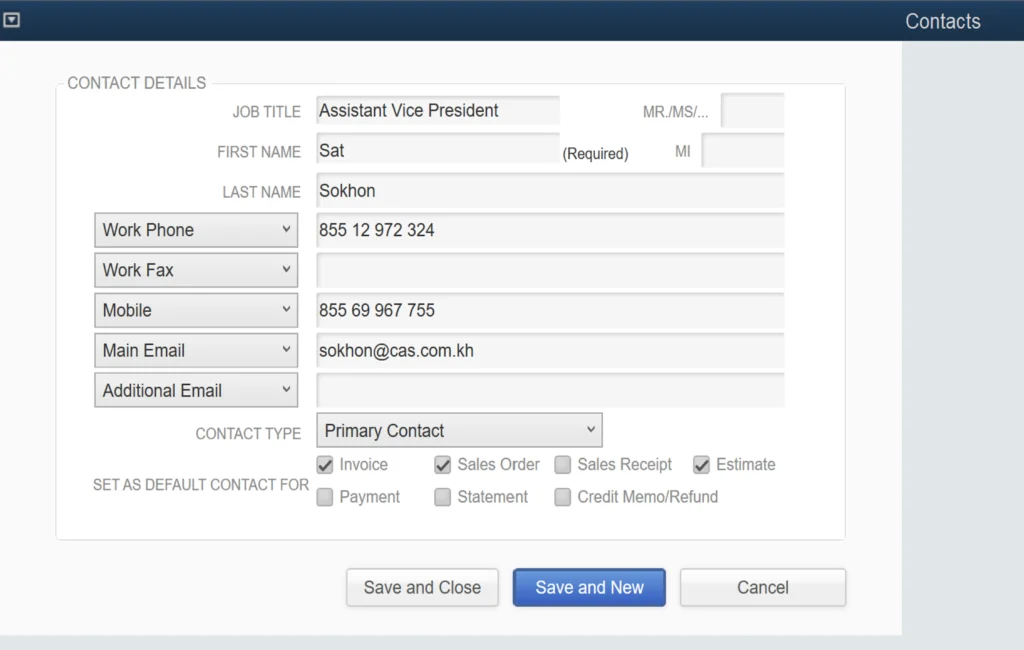
Quick Add email addresses in Webmail: Choose the right recipients from a convenient dropdown when emailing from QuickBooks Desktop.

Additional benefits of QuickBooks Desktop Enterprise 24.0
- Security: Enterprise now utilizes AES 256‑bit encryption for data at rest and in backups to strengthen protection.
- Seamless background updates: Get frequent features and security improvements with minimal workflow interruption.
- Faster insights: Identify profitable and unprofitable items with item profitability reports and improved report search.
- Smarter fields and lists: Tailor insights with easy‑to‑filter custom fields and enhanced list searches across classes, rules, schedules, and more.
Why these matters
Invoice-level profitability gives decision‑makers precise visibility to fine‑tune pricing, prioritize high‑margin services, and manage costs more proactively. Smarter email defaults and selection reduce admin time and email mistakes, while background updates keep teams current without the friction of large annual upgrades. Enterprise‑grade encryption helps safeguard sensitive financial data and meets rising expectations for security in B2B environments.
Here are some resources to help you update to QuickBooks Desktop Enterprise 24.0 R16:
- To find out if you are on the latest 2024 R16 release, see the instructions here. If you are already on R16, your product is up to date and no further action is required.
- If you are on version 2024 but not on R16, see the instructions here. You’ll also receive an in-product notification soon with installation instructions.
- If you are on a version prior to 2024, see the installation instructions here. Next, follow the instructions here to perform a one-time update for each QuickBooks company file.
Key dates and policy
QuickBooks Desktop Enterprise 23.0 will be discontinued on May 31, 2026, so moving to Enterprise 24.0 ensures continued access to services like Payroll, Payments, bank feeds, support, and security updates. The upgrade to 24.0 is included with active Enterprise subscriptions at no additional charge per Intuit’s current policy.
QuickBooks Desktop Payments benefits
- Save an average of 18% on QuickBooks Desktop Payments fees with preferred rates available to new Payment’s customers on active Enterprise plans.
- Get paid 1.4x faster on average with online invoicing and automatic reconciliation for eInvoice, ACH, and card transactions initiated within QuickBooks.
QuickBooks Desktop Enterprise 24.0 R16 brings practical gains that finance, and operations teams will feel immediately—invoice‑level profitability insights, smarter email recipient defaults, and enterprise‑grade AES 256‑bit security delivered through seamless background updates. Because the upgrade is included at no additional cost with active Enterprise subscriptions, adopting R16 now ensures access to the newest features and ongoing security enhancements without disrupting everyday work.